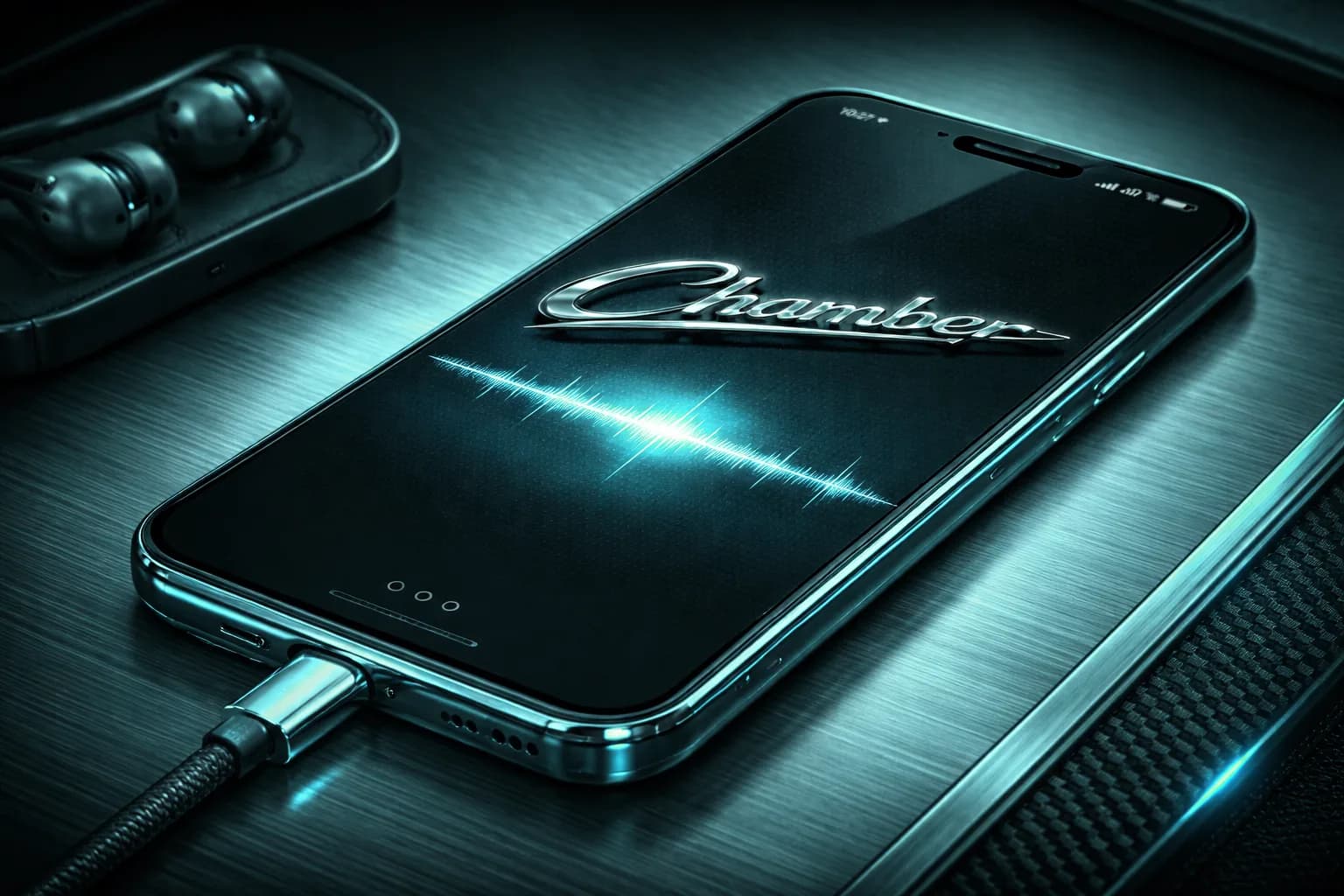
Phone
Highlights midrange dominance and low-end loss so you can make your hook, vocal, and snare hit on tiny speakers.

FREE MAC PLUGIN • AU + VST3

Chamber helps you pressure-test your mix through real listening environments while you are still making decisions. Phones, cars, earbuds, mono systems, and consumer playback realities become audible in seconds.
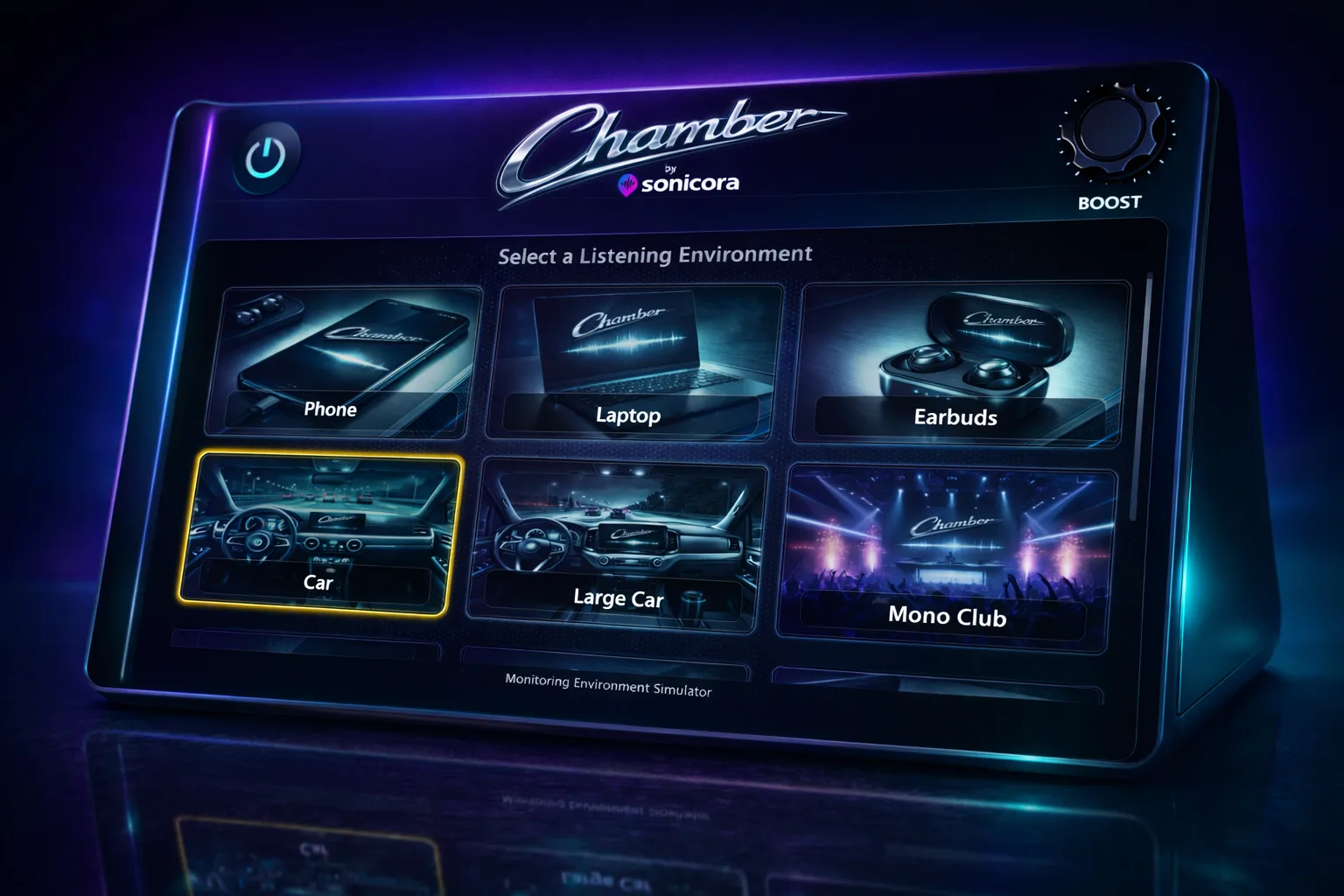
If you produce in Logic Pro, Ableton, Reaper, FL Studio (Mac), Studio One, or any other Mac-based DAW, you already know the pain: a mix that feels balanced in your room can fall apart in the real world. Chamber gives you immediate playback perspective shifts so you can catch issues while it is still easy to fix them.
Instead of exporting a bounce, AirDropping it, listening in five places, taking notes, coming back, adjusting, and repeating, you can do the translation check directly in-session. It keeps your creative flow alive while making your decisions more objective.
Vocal level, kick-to-bass relationship, top-end harshness, and mono collapse issues become obvious faster when you switch environments in real time.
Stop second-guessing whether the mix will survive outside your studio chain. Chamber gives you practical confidence so you can commit and move forward.
Over time, you’ll start to recognize which mix choices hold up across consumer systems—and which ones only sound good in one place.
Chamber is not trying to replace your final mastering chain or your best monitors. It is designed to answer one critical question quickly: “Will this mix still work when listeners hit play on their actual devices?”
Audition your material through profiles modeled to reveal real-world weaknesses.
Install once, drop on your master bus, and start switching profiles instantly.
Catch translation issues earlier and spend less time reopening old sessions.
Download it, run it in your current project, and hear the difference in minutes.
MIX TRANSLATION WORKFLOW
Chamber is built for producers and mix engineers who need fast perspective on whether a mix will survive outside the studio before exporting another bounce.
Producers, beatmakers, artists, and mix engineers checking balance decisions before a final print or client revision.
AU and VST3 support for macOS workflows in Logic Pro, Ableton Live, Reaper, Studio One, FL Studio on Mac, and compatible hosts.
Vocal level checks, car-speaker bass translation, mono compatibility, earbud balances, phone playback, and smart-speaker clarity.
Your audience doesn’t hear your music on one ideal setup. They hear it everywhere. These profiles are designed to expose what changes across devices so your mix still lands emotionally and technically no matter where playback happens.
Highlights midrange dominance and low-end loss so you can make your hook, vocal, and snare hit on tiny speakers.

Exposes harsh upper mids and weak body—perfect for checking if your mix still feels full on thin built-in speakers.
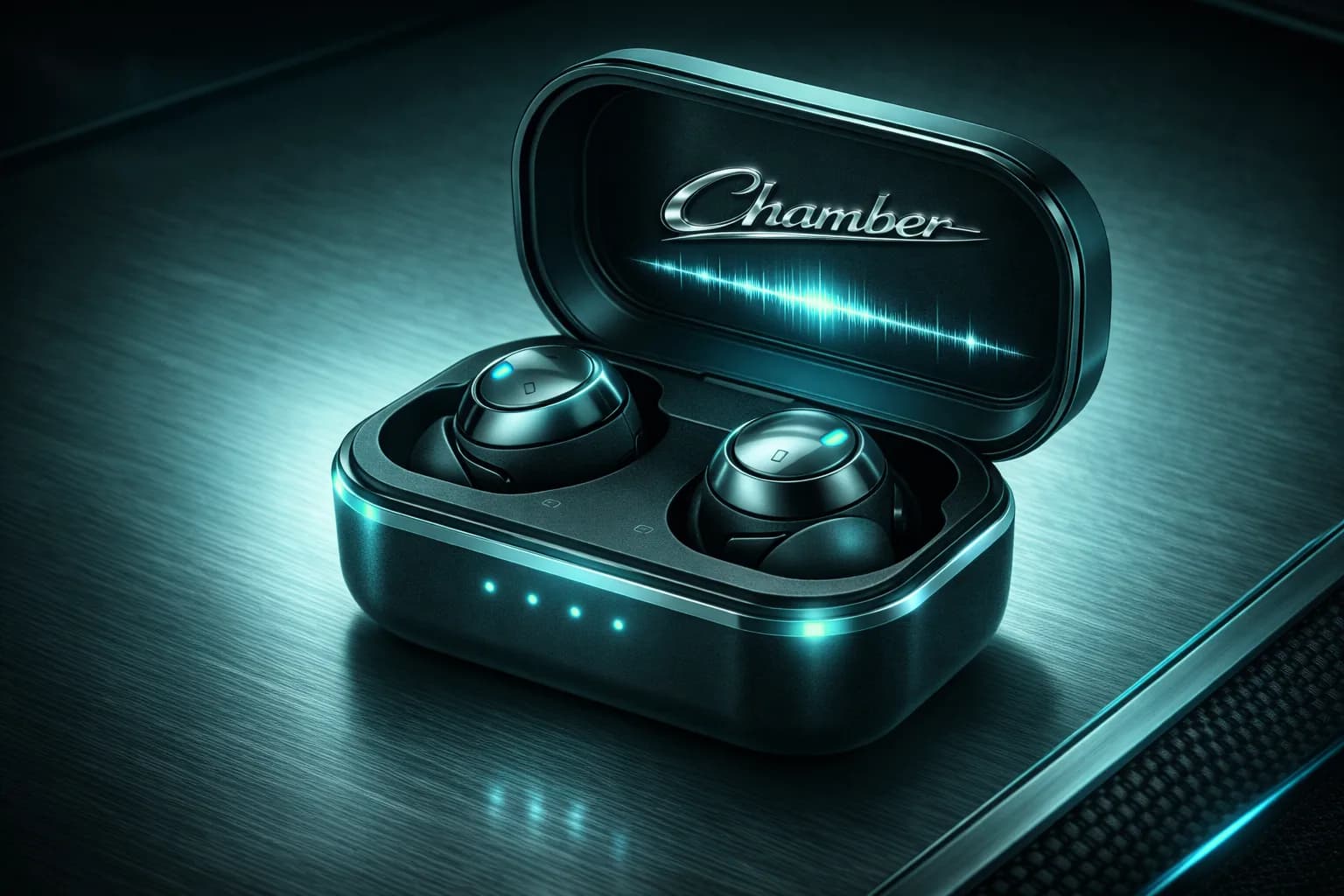
Reveals vocal-forward balance and stereo detail issues common in modern casual listening.
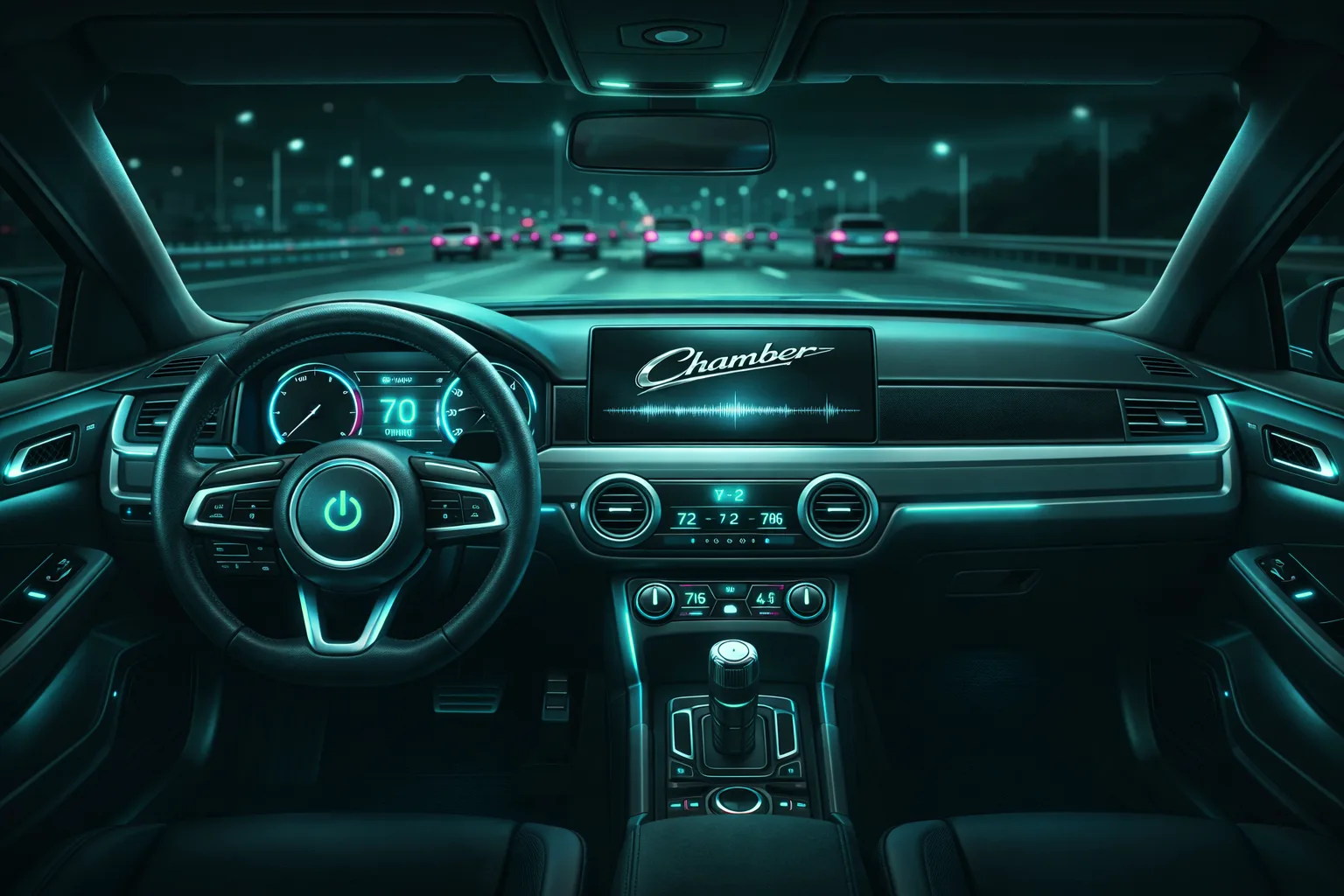
Stress-tests bass bloom, kick translation, and vocal clarity in one of the most unforgiving everyday environments.

Emphasizes cabin resonance behavior so you can spot muddy low mids and overhyped sub choices faster.

Checks mono compatibility and punch integrity when stereo width collapses and energy has to survive center-only playback.
Great for evaluating dialogue-like vocal intelligibility, front-facing brightness, and low-end restraint.
Pushes consumer loudness character so you can catch brittle highs and boxy low-mid buildup.
Simulates compact voice-first devices where mix hierarchy and center focus matter more than width.

A rougher, less flattering car profile to expose weak balances that “nice” systems can hide.

Useful for playback systems with aggressive projection and uneven tonality—great for checking harshness and vocal bite.
Tests perceived detail, low-end contour, and spatial cues on hyped consumer headphones.
PRICING
Chamber gives you practical playback perspective inside your DAW so you can catch problems before listeners do.
FREE DOWNLOAD
No subscription • no trial limits
AU + VST3 • macOS 11+ • Apple Silicon + Intel
A fast in-session reference check for real-world playback systems, built for producers and mix engineers on macOS.
Chamber is a free monitoring environment simulator plugin made for music producers who need faster, more reliable mix translation decisions. It runs on macOS in AU and VST3 formats and is designed for in-session checks across everyday playback realities.
Download Chamber free, drop it into your session, and start making decisions that translate beyond your studio setup.
Want the broader workflow? Read the mix translation plugin guide.